Frequently Asked Questions
This page is a work-in progress. We will continue to add to these lists of “How to …”.
Managing Your HMGS Account
Create an HMGS, Inc. Account
To access certain functions on HMGS, Inc. sites, you must have an active account – in addition to access certain information you may need an active Membership.
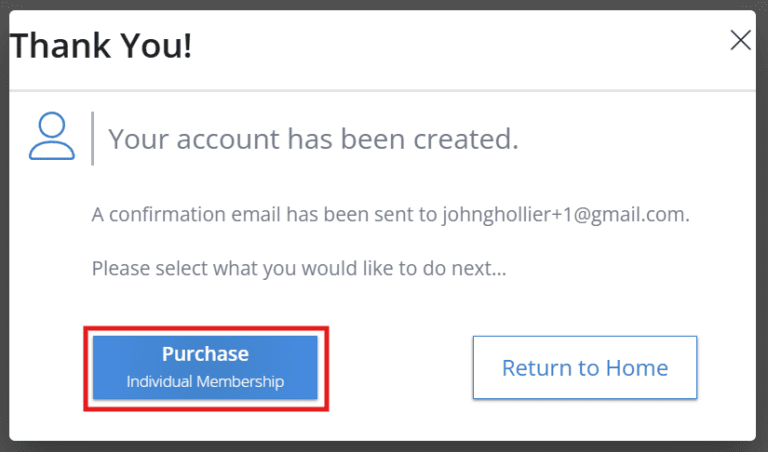
Click here to create an account. After creating your account, you will be given the opportunity to buy a Membership:Â
Or you can just return to the Portal home without purchasing a Membership.
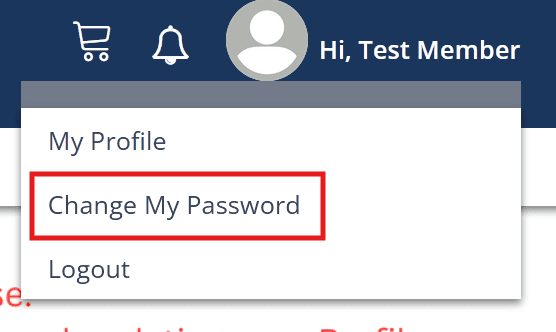
Change your password
After you have logged in, you can change your password from the link in the dropdown menu attached to your username in the upper right.
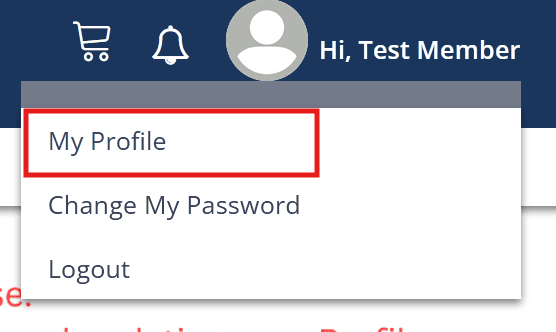
Update your Profile information
After you have logged in, you can manage your profile from the My Profile link in the dropdown menu attached to your username in the upper right.
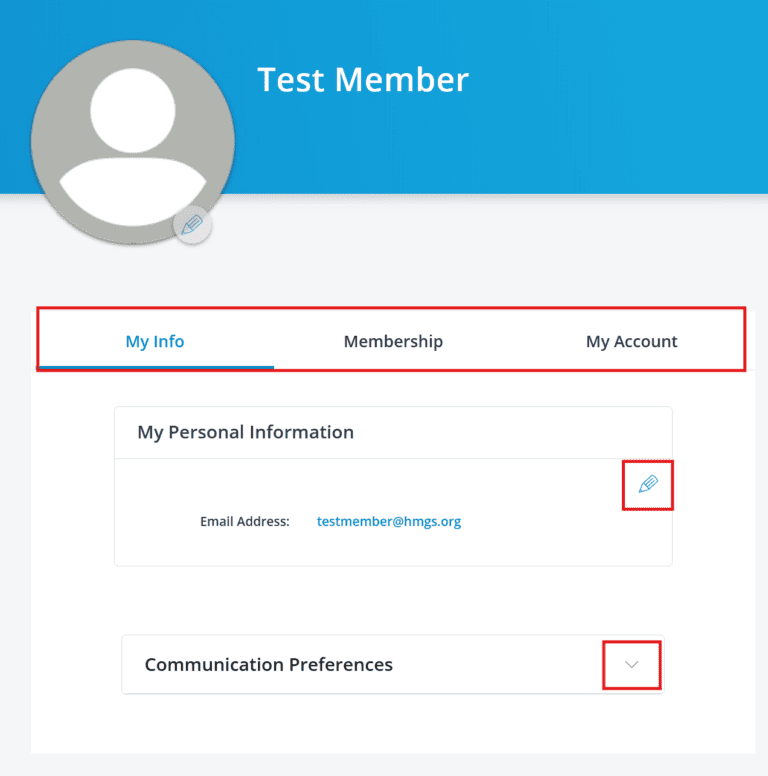
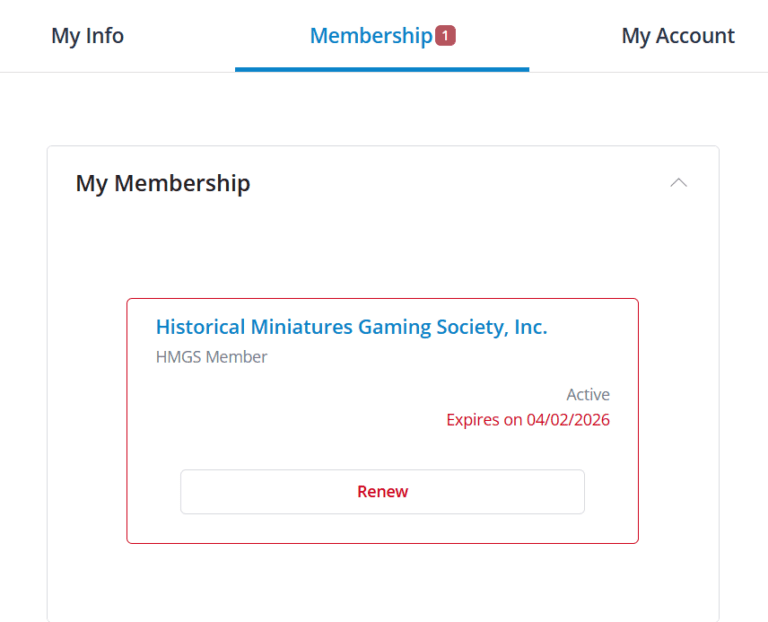
This brings up your three profile tabs, My Info; Membership (if you have an active Membership); and My Account.
Click on the tab to move to it; click on a down arrow to open up a section; or click on a pencil to open for editing.
Renew your Membership
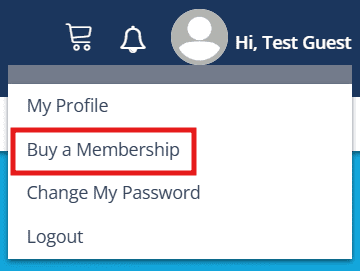
If your Membership has expired, you will see a “Buy a Membership” option in the dropdown menu.
When your Membership is within 90 days of renewal, the notification icon will have a new notification indicator.Â
And there will be a red Renew button in the Membership tab of your Profile (currently, outside of the 90 day renewal period, there is a blue Renew button – this will go away in a future upgrade).
Get a payment receipt
Coming Soon!
Access HMGS, Inc. Member-Only information
Coming Soon!